
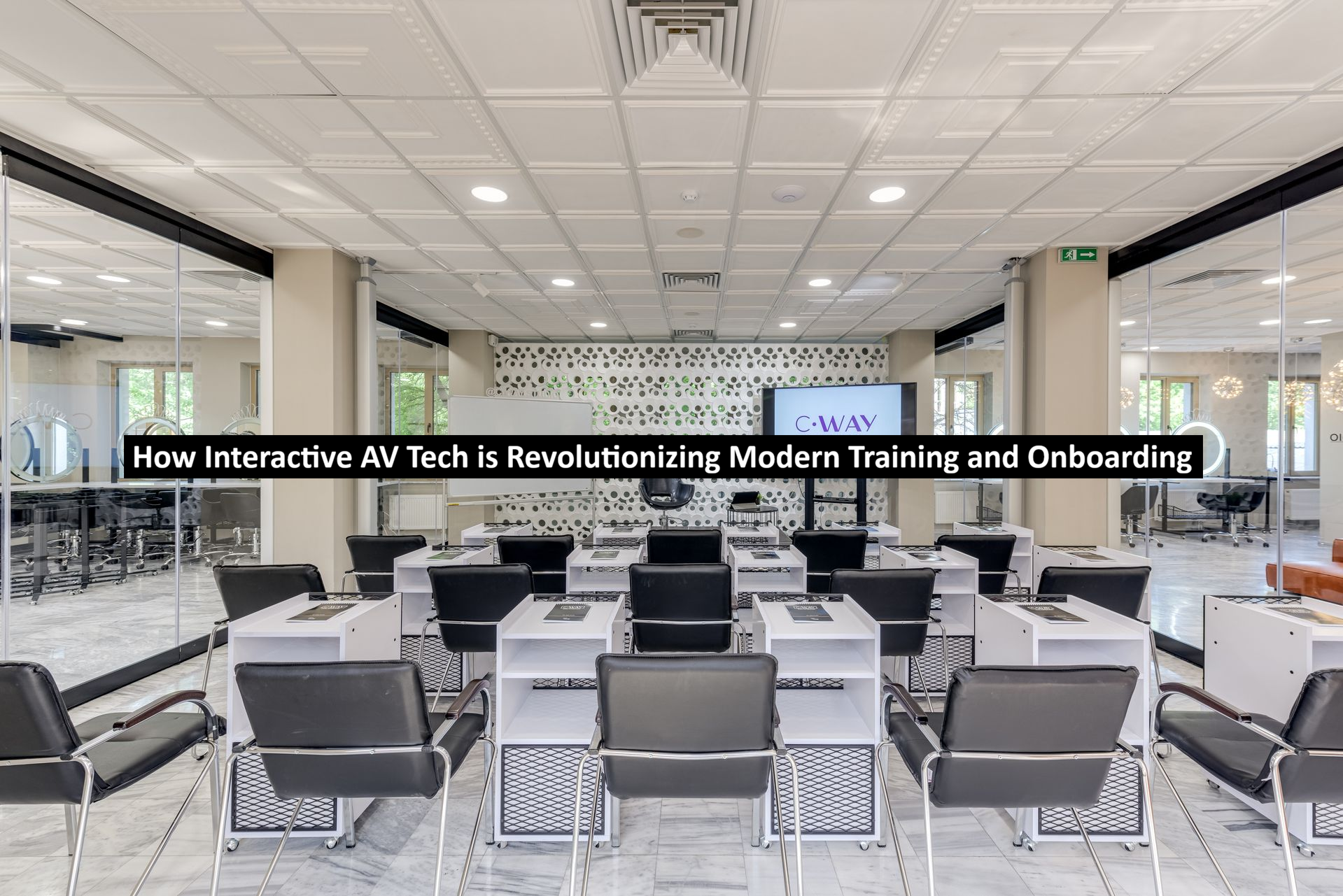
A training session can feature an excellent presentation and an experienced speaker, yet still leave half the audience behind. Remote employees struggle to hear questions, new hires don’t speak, and instructors lose time switching devices. Interactive AV lets you fix these problems by turning away from one-way presentations into shared experiences where everyone can participate and practice.
Training Rooms Are Becoming Participation Spaces
Older training rooms were built around projectors and lecterns. Modern spaces should instead encourage participation. The latest displays let instructors annotate slides with examples and notes and invite attendees to work through problems. Wireless connections make it a breeze for an employee to share from a laptop without slowing the session.
The shift reflects a broader use of AV throughout business. TechieResearch has explored creative uses of AV technology beyond routine meetings, including activities that keep participants involved. In a training setting, the same principle applies. Learners tend to engage more readily when they have something meaningful to do rather than another slide to watch.
Hybrid Onboarding Broadens Your Options
Depending on your company’s structure, your new hires may join from one of your offices, their home, or a combination of locations. A well-designed hybrid room lets each person see the instructor, presentation content, demonstrations, and fellow participants. It also lets remote employees ask questions and contribute without feeling like observers watching a meeting from the hallway.
That interaction matters because onboarding involves more than transferring information. Employees are also learning team habits, communication norms, and where to find help. A recent study on workplace learning during organizational onboarding describes onboarding as an individualized and interactive path shaped by organizational structure and learner behavior. AV should support that exchange rather than reduce it to a recorded lecture.
Clear Audio Makes Interaction Possible
Video receives plenty of attention, but audio usually determines whether a hybrid training session works. A remote learner who misses a comment loses both the answer and its context. Your audio setup should cover the whole room, including all seats and other areas where participants could stand.
Depending on your space, that may require tabletop mics, ceiling arrays, wireless microphones, or expandable pods. Acoustic echo cancellation reduces the loop created when signals interact. Digital processing can also help manage levels, though it can’t fix poor microphone placement, excessive room noise, or hard surfaces that produce long reflections.
Cameras and Displays Support Real Work
A camera should capture more than faces in chairs. Trainers may move between a display, demonstration table, whiteboard, and open floor. Pan-tilt-zoom cameras cover larger spaces, while intelligent framing on supported hardware adjusts the view as participants enter or leave. Some rooms benefit from separate instructor and audience cameras so remote learners can follow both the lesson and the discussion.
Display placement also needs practical thought. A screen that looks large in a product specification may still be difficult to read from the last row. Dual displays can help by placing shared content on one screen and remote participants on another. Interactive touch displays are useful when annotation and group problem-solving are central to the training method.
Simple Controls Protect Valuable Training Time

A capable system can still fail its users if starting a session requires several remotes, hidden inputs, and a printed troubleshooting guide. Trainers should be able to enter the room, select a session mode, connect the required content, and begin. Clear labels and consistent controls reduce the chance that an instructor spends the opening minutes searching for the correct source.
Consistency matters across locations as well. Standard room layouts, connection points, and control behavior make it easier for facilitators to move between offices. This fits the wider goal of using connected technology to improve workflows, which TechieResearch also discusses in its look at enterprise technology and workplace productivity. The room should feel like part of the process, not another system employees must decode.
Recorded Content Extends the Value of Each Session
Training does not always happen on schedule. Employees may start on different dates, work across time zones, or need to review a procedure months later. Compatible room hardware can support session recording and content capture through the organization’s chosen conferencing or learning platform. The camera view, microphone coverage, and presentation feed should be planned with that future audience in mind.
Recording is most useful when it captures the material clearly. A distant camera angle or muffled audience question can make an archive difficult to follow. Organizations should also decide which sessions may be recorded, how files will be stored, and who can access them. Those workflow and policy decisions belong in the project plan before the first training event.
Build the Room Around the Learner
The strongest training environments are not defined by the largest display or the longest feature list. They are built around room dimensions, seating, instructor movement, participant count, platform compatibility, accessibility, and the type of work learners will perform. A sales role-playing exercise requires a different setup than a tech demonstration.
For organizations planning a training room refresh, Chester Springs AV helps match cameras, microphones, speakers, displays, and control hardware to your parameters. Explore their selection of video conference equipment for a training environment that feels natural and useful for everyone, whether in the room or joining remotely.